Common F150 Battery Saver Mode Issues And How To Fix Them
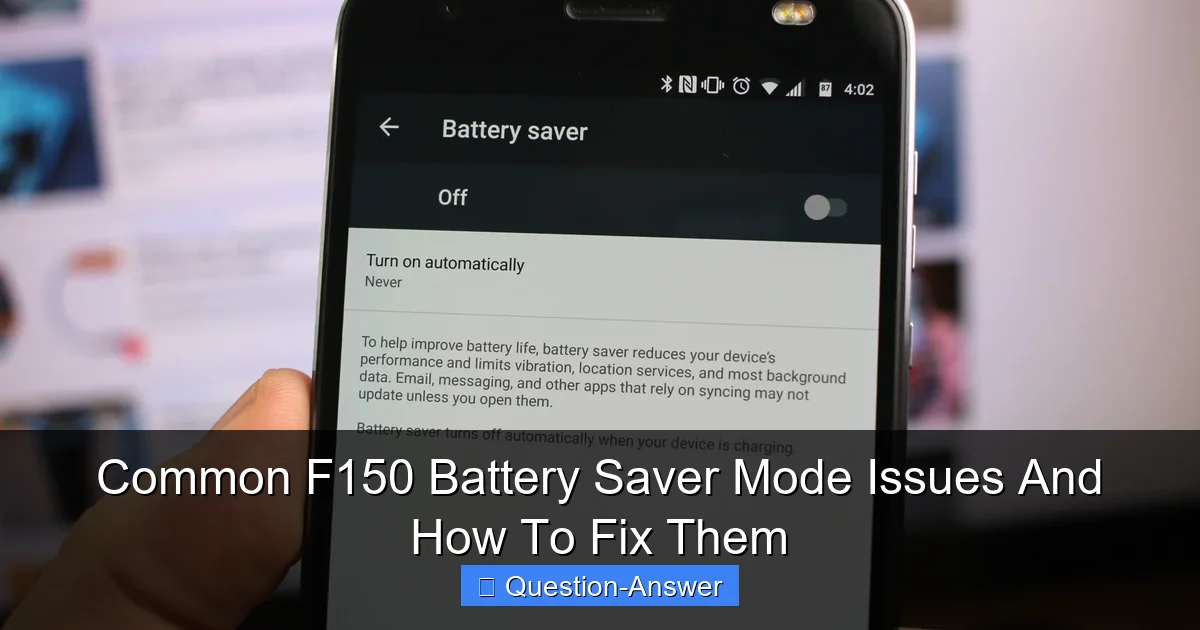
Featured image for f150 battery saver mode issues
Image source: phandroid.s3.amazonaws.com
F150 battery saver mode often misfires, prematurely shutting down power and leaving owners stranded, even when battery voltage seems adequate. This frustrating issue frequently stems from factors like weak batteries, parasitic draws, faulty sensors, or an incorrectly reset Battery Monitoring System (BMS) after a battery change. Resolving it requires accurately diagnosing the root cause, from properly resetting the BMS to identifying and eliminating power drains.
Ever jumped into your F150, ready to hit the road, only for a message to pop up saying “Battery Saver Mode” or “System Off to Save Battery”? It’s a frustrating moment, making you wonder if your trusty truck is having a tantrum. But really, your F150 is just trying to protect itself. This mode kicks in when your truck detects that the battery’s charge level is getting too low to reliably start the engine or power essential systems. It’s a smart feature, designed to leave you enough juice to crank the motor, but sometimes it can feel like it’s overreacting, or worse, pointing to deeper F150 battery saver mode issues.
Think of it like your phone when it hits 5% battery – it starts shutting down background apps to conserve power. Your F150 does the same, but for things like the radio, climate control, or even charging your phone. While it’s good protection, persistent F150 battery saver mode issues often signal a problem that needs your attention. Let’s dive into what usually causes these headaches and how you can tackle them.
What are the common F150 battery saver mode issues, and how can I fix them?
When your F150 constantly tells you it’s in battery saver mode, it’s usually trying to tell you something important. It’s not just an annoying message; it’s a symptom. Here’s a look at the most common reasons this mode activates and what you can do about it:
-
Your Battery is Old or Weak: This is, by far, the most frequent culprit behind F150 battery saver mode issues. Car batteries typically last 3-5 years. Over time, they lose their ability to hold a full charge. If your battery is nearing or past that age, it’s probably struggling.
- My Experience: I once ignored the signs for too long. My truck would start fine, but then the radio would cut out, and remote start stopped working. A simple battery test at my local auto parts store confirmed it was on its last legs.
- The Fix: Get your battery tested. Most auto parts stores do this for free. If it’s weak, replace it. It’s a relatively simple DIY job, or any mechanic can do it for you.
-
Parasitic Drain: This means something in your truck is slowly drawing power even when the vehicle is off. It could be an aftermarket accessory, a dome light left on, a faulty module, or even a blown fuse creating a short.
- My Experience: My buddy had this. His truck would go into battery saver mode after sitting for a day. Turns out, his aftermarket dash cam wasn’t turning off properly.
- The Fix: Check for obvious culprits like lights or USB chargers left plugged in. If you have aftermarket accessories, try disconnecting them one by one to see if the issue goes away. For trickier drains, you might need a multimeter to test for current draw, or a professional can help trace it.
-
Faulty Battery Monitoring Sensor (BMS): Your F150 has a sensor that constantly monitors the battery’s state of charge and health. If this sensor goes bad, it might incorrectly report a low charge, triggering the battery saver mode even if your battery is perfectly fine.
- My Experience: This one is less common, but I’ve seen it happen. A mechanic friend showed me how a corroded connection on the BMS can trick the truck’s computer.
- The Fix: Check the connections to the BMS for corrosion or looseness. Sometimes cleaning or tightening them helps. If the sensor itself is faulty, it will need to be replaced.
-
Battery Not Registered (After Replacement): This is a crucial, often overlooked step when replacing your F150’s battery. Modern F150s with Battery Monitoring Systems need to be told when a new battery has been installed. If you don’t “register” the new battery, the truck will continue to manage charging based on the old battery’s degraded state, leading to F150 battery saver mode issues.
- My Experience: I learned this the hard way! Replaced my battery, thinking I was all good, but the battery saver mode kept popping up. A quick search showed me I needed to register it. Once I did, problem solved!
- The Fix: You can register a new battery using an OBD2 scanner with specific functions (like Forscan software) or by taking it to a Ford dealership or a shop that has the right tools. It tells the truck’s computer it has a fresh battery, so it can reset its charging strategy.
-
Short Drives or Seldom Use: If you only make very short trips, or your F150 sits for extended periods, the alternator might not have enough time to fully recharge the battery. Over time, this leads to a perpetually undercharged battery.
- My Experience: When I was working from home, my F150 often sat for days, or I’d only drive a mile to the store. The battery saver mode became a regular visitor.
- The Fix: Try to take longer drives regularly (at least 20-30 minutes) to allow the alternator to properly charge the battery. If your truck sits a lot, consider investing in a trickle charger or battery maintainer. It’s a small investment that can save you a lot of hassle.
Dealing with F150 battery saver mode issues can be annoying, but remember, your truck is just trying to communicate. Most often, the problem boils down to a tired battery or a simple fix. By paying attention to these signs and doing a little troubleshooting, you can keep your F150 running smoothly and avoid being stranded. A little preventative maintenance goes a long way!