Your F150 Camera Flickering Fix Easy Steps to Restore Clarity
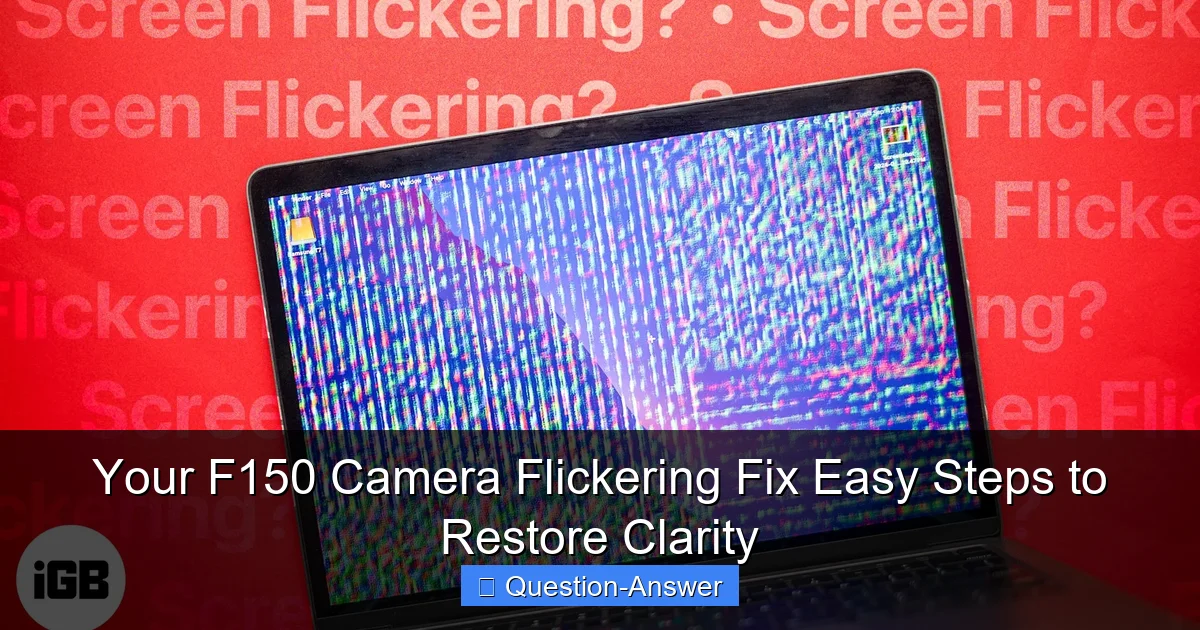
Featured image for f150 camera flickering fix
Image source: igeeksblog.com
Experiencing a flickering F-150 camera can be frustrating, but this guide offers an easy, step-by-step fix to restore perfect clarity. You’ll learn quick diagnostic checks and simple solutions, often without needing professional help, ensuring your rearview or front camera is reliable again.
Your F150 Camera Flickering Fix Easy Steps to Restore Clarity
Hey fellow F150 owners! Ever been backing up, only to have your rearview camera start doing a weird, dizzying dance? That annoying F150 camera flickering can be incredibly frustrating, not to mention a bit unsafe when you’re trying to navigate tight spots. Trust me, I’ve been there, squinting at a glitchy screen wondering what in the world was going on!
The good news is, you’re definitely not alone in facing this issue, and often, the fix isn’t as intimidating or expensive as you might first think. We’re going to dive into some easy, practical steps you can take to troubleshoot and hopefully resolve your F150 camera flickering, getting that clear, reliable view back in no time. Think of this as me sharing my own battle-tested tips with a friend!
So, what’s the real deal with my F150 camera flickering, and how can I fix it without needing a service appointment right away?
You hit the nail on the head! The Ford F150 camera flickering problem can stem from a few common culprits, ranging from simple fixes to more involved electrical checks. Here’s a comprehensive breakdown, based on my own experiences and what I’ve learned:
1. Start with the Simplest Solutions: A Quick Reset and Clean-Up
- The Good Old “Turn It Off and On Again”: Sometimes, your truck’s infotainment system just needs a good reboot. I remember the first time my F150 camera started flickering, a simple engine restart actually cleared it right up. It’s like rebooting your phone – it just clears out temporary glitches.
- Give Your Camera Lens a Wipe: This might sound obvious, but dirt, mud, or even water spots on the camera lens can cause image distortion that looks like flickering. Grab a soft cloth and some glass cleaner, then gently clean the lens. I once spent an hour troubleshooting a “flicker” that turned out to be a stubborn mud splatter!
2. Digging Deeper: Wiring and Connections are Key
Most F150 camera flickering issues often boil down to a loose or corroded electrical connection. This is where things get a little more hands-on, but still totally doable:
- Check the Camera Connection Itself: The camera module, usually located in the tailgate handle, has a wiring harness connected to it. Over time, vibrations or even just age can cause this connection to loosen.
- Carefully open your tailgate, locate the camera (it’s often integrated into the handle).
- Gently unclip and then firmly re-clip the wiring harness. Make sure it clicks securely.
- My buddy Mike had a similar F150 backup camera flickering issue, and simply re-seating this connection was his magic fix!
- Inspect the Wiring Along the Tailgate: Trace the camera’s wiring harness as best you can. Look for any visible damage, pinches, or cuts in the wire insulation. These can cause intermittent signals, leading to the dreaded flicker. Sometimes, simply securing loose wires with zip ties can prevent future issues.
- The Head Unit Connection: Less common, but still possible, is a loose connection behind your truck’s infotainment screen (head unit). If you’re comfortable gently removing trim panels, you can check the video input cable for your camera. If not, this might be a point to consult a professional.
- Grounding Issues: A poor ground connection can also manifest as electrical flickering. While harder to pinpoint without specific tools, sometimes ensuring all factory ground points (often under the hood or frame) are clean and tight can help.
3. Environmental Factors: Moisture Can Be a Menace
Water and electronics don’t mix, and moisture can be a big reason for a Ford F150 camera problem. If your camera flickering happens more after rain or a car wash, suspect water intrusion:
- Check for Water Seepage: Inspect the camera housing and the tailgate handle area for any signs of water entry or corrosion. Sometimes the seals around the camera can degrade.
- Allow to Dry Out: If you suspect moisture, try parking your truck in a warm, dry place for a few hours or even a day with the tailgate open (if safe) to allow any internal moisture to evaporate. I’ve heard stories of people using a hairdryer on a low, cool setting from a distance, but be extremely careful not to overheat anything!
4. Software Shenanigans: Updates & Resets
Modern F150s are essentially computers on wheels, and sometimes software glitches can cause hardware issues like camera flickering:
- SYNC System Update: Ensure your truck’s SYNC infotainment system is running the latest software version. Ford periodically releases updates that can fix various bugs, including camera display issues. You can usually check for updates via your truck’s Wi-Fi connection or Ford’s owner website.
- Factory Reset SYNC: As a last resort on the software side, you can perform a factory reset of your SYNC system. Be aware that this will erase personal settings and paired devices, but it can often clear stubborn software-related F150 camera problems.
5. When All Else Fails: Hardware & Professional Help
If you’ve tried all these steps and your F150 camera flickering persists, it might indicate a failing camera module itself or a more complex wiring issue that requires specialized tools. This is when it’s wise to consider taking your truck to a trusted mechanic or a Ford dealership for a diagnostic.
There you have it! Tackling an F150 camera flickering issue can feel daunting, but often it comes down to systematically checking these common culprits. By starting with the simple stuff and working your way through the connections and software, you can often restore clarity to your rearview camera without much fuss. Stay safe out there, and enjoy that clear view!