F150 Lane Assist Not Working Common Fixes Explained
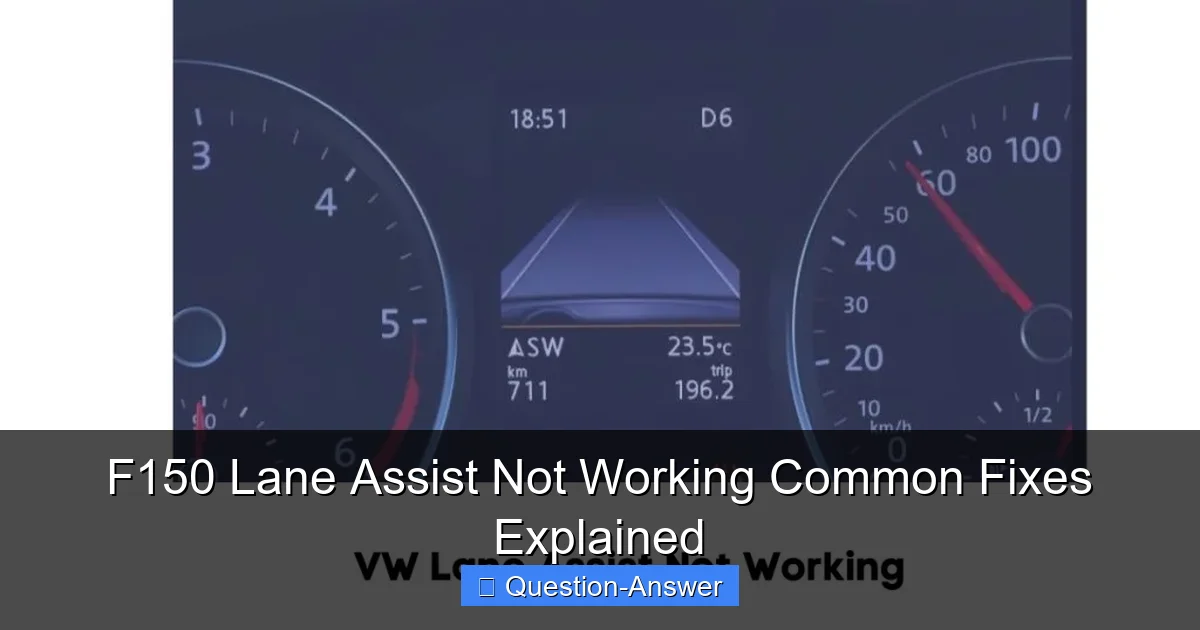
Featured image for f150 lane assist not working
Image source: vehiclechef.com
If your F150 Lane Assist isn’t working, don’t fret—many common issues are resolvable with straightforward troubleshooting steps. Problems frequently stem from easily overlooked factors like a dirty windshield or obstructed camera sensor, software glitches, or incorrect system settings. Addressing these simple points can often quickly restore your truck’s lane-keeping functionality, enhancing driving safety.
Hey fellow F-150 owners! Have you ever been cruising down the highway, trusting your truck’s smart features, only to realize your F150 lane assist not working? It’s a real head-scratcher, isn’t it? That little icon might be off, or it just isn’t doing its thing. It can be super frustrating when a feature you rely on suddenly decides to take a vacation.
But don’t panic! More often than not, when your F150 lane assist not working, the fix is actually pretty simple. You’d be surprised how many times a minor oversight can be the culprit. Let’s dive into the common reasons this happens and what you can do to get it back on track.
What are the common reasons my F150 lane assist isn’t working, and how can I fix them?
It’s a great question, and I’ve been there myself, scratching my head wondering why my trusty F-150’s lane assist decided to quit. The good news is, there are usually a few straightforward things you can check before thinking about a dealership visit. Think of these as your personal troubleshooting checklist!
First off, let’s talk about the most common, and frankly, sometimes embarrassing, reason: a dirty windshield. Your F-150’s Lane-Keeping System relies on a camera mounted at the top center of your windshield, right near your rearview mirror. If that area is obscured, the system can’t “see” the lane markings. I once had my lane assist suddenly stop working, and after a good minute of confusion, I realized a giant bug splatter was directly over the camera lens. A quick wipe, and boom, it was back! So, always start with a clean windshield, especially the area around the camera.
Next up, it might simply be turned off. Yes, I know, it sounds obvious, but hear me out. The system can be toggled on or off from your truck’s infotainment screen or sometimes through a physical button. Go into your settings, navigate to “Driver Assist” or “Vehicle Settings,” and make sure “Lane-Keeping System” is enabled. You can also adjust its sensitivity (Alert or Aid) there. Maybe a passenger accidentally tapped something, or you did during a menu scroll. It happens! I’ve had friends discover it was just deactivated after agonizing over a “broken” system.
Another big factor is the quality of the road markings. Your F-150 needs clear, visible lines to function. If you’re on a road with faded paint, construction zones, or temporary markings, the system often can’t detect them properly and will disengage. The same goes for driving through heavy rain, snow, or dense fog. Poor visibility for your eyes often means poor visibility for the camera too. It’s smart enough to know when it can’t safely operate.
Sometimes, a simple “reboot” can work wonders. Just like your phone or computer, your F-150’s systems can sometimes benefit from a power cycle. Turn your truck off, open and close the driver’s door (to ensure all systems shut down), wait a minute or two, then restart it. This can clear minor software glitches that might be causing your F150 lane assist not working. I’ve personally fixed a few minor electrical gremlins in my truck this way.
Finally, consider your speed. The Lane-Keeping System typically only activates above a certain speed, usually around 40 mph (65 km/h). If you’re driving slower than this, the system won’t engage, which is normal operation. Also, if you’re holding the steering wheel too lightly or aren’t providing any steering input for an extended period, the truck might assume you’re not paying attention and temporarily disable the assist, prompting you to put your hands back on the wheel.
If you’ve checked all these things – clean windshield, settings are on, good road conditions, tried a reboot, and you’re at the right speed – and your F150 lane assist not working persists, then it might be time to consider a professional diagnosis. There could be a sensor issue, a wiring problem, or a deeper software glitch that requires specialized tools to fix. But honestly, most of the time, one of the simpler solutions listed above does the trick.
It’s usually a quick fix when your F150 lane assist not working. Hopefully, these tips help you get your F-150’s lane assist back in action. It’s a fantastic feature that really adds to driving comfort, and it’s great to have it fully operational. If these easy steps don’t resolve the issue, don’t hesitate to contact your local Ford dealership. They can run diagnostics and pinpoint any underlying problems. Happy and safe driving!