How to Fix F150 Odometer Not Displaying Permanently
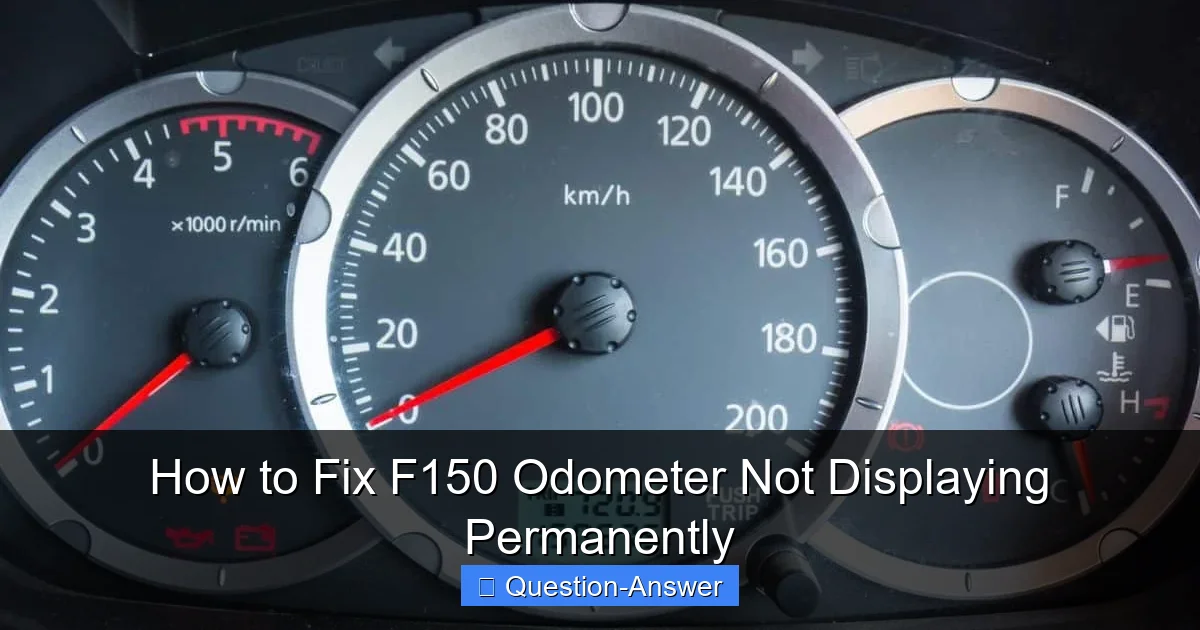
Featured image for f150 odometer not displaying
Image source: fourwheeltrends.com
Fixing a permanently dark F150 odometer often involves a systematic diagnosis of electrical components. This essential guide walks through inspecting fuses, wiring connections, and the instrument cluster itself, and even considering the vehicle’s ECU. Restore crucial information and ensure road legality by addressing this common F150 issue promptly.
How to Fix F150 Odometer Not Displaying Permanently
Having your F150 odometer not displaying is incredibly frustrating, isn’t it? One minute you’re driving along, and the next, that crucial number is just… gone. It feels like a piece of your truck’s identity is missing, and it leaves you guessing about mileage, which isn’t great for anything from oil changes to resale value. Trust me, I’ve been there with my own F150, staring at a blank space where the digits should be.
The good news is that for many F150 models, especially those from certain generations (like 2004-2008), this common issue often has a surprisingly permanent, DIY-friendly fix. It usually boils down to a few tiny, fatigued solder joints inside your instrument cluster. Don’t worry, we’re going to walk through how to bring that display back to life, likely for good!
Q: How do I fix my F150 odometer not displaying permanently?
Fixing an F150 odometer not displaying permanently often involves a journey into the heart of your instrument cluster. More often than not, the culprit is a set of failing solder joints on the circuit board, usually due to thermal stress over time. It sounds intimidating, but it’s quite manageable with a bit of patience.
Here’s a detailed approach, based on my own experiences and what I’ve learned from fellow F150 owners:
First things first, let’s rule out the easy stuff. Nobody wants to pull apart their dashboard for a blown fuse!
- Check Your Fuses: Grab your F150’s owner’s manual and locate the fuse for the instrument cluster or dashboard. Sometimes, a simple blown fuse is all it takes to make your odometer go blank. It’s a quick check and could save you a lot of time. In my F150, I always start here.
- Battery Check: While less common for just the odometer, a weak or poorly connected battery can cause all sorts of electrical gremlins. Ensure your battery terminals are clean and tight.
If fuses and battery are good, it’s time for the likely permanent fix: resoldering the instrument cluster.
Step-by-Step Instrument Cluster Repair:
This is where most people find success. The process involves carefully removing, opening, and resoldering specific points on your F150’s instrument cluster circuit board.
- Disconnect the Battery: Safety first! Always disconnect the negative battery terminal before working on electrical components. You don’t want any accidental shorts.
- Remove the Instrument Cluster: This step varies slightly by F150 year, but generally involves:
- Gently prying off surrounding trim pieces (use plastic trim tools to avoid scratches).
- Unscrewing a few Phillips head screws holding the cluster in place.
- Carefully pulling the cluster forward to access the electrical connectors on the back. Disconnect these. Remember to be gentle; those plastic clips can be fragile! When I did mine, I took pictures with my phone at each step – a total lifesaver for reassembly!
- Disassemble the Cluster: Once out, take the cluster to a clean, well-lit workspace. You’ll need to remove the clear plastic front cover, the black bezel, and the circuit board from the housing. Again, usually just small screws and clips. Go slow, don’t force anything.
- Locate the Problem Area: This is crucial. For F150s with this common display issue, the problem often lies with cold or cracked solder joints, especially on the pins for the power resistor or the multi-pin connector that links to the display. You’ll need a magnifying glass to spot these hairline cracks around the solder points. They look like tiny rings around the component leads where the solder has pulled away.
- The Resoldering Magic:
- Tools: You’ll need a fine-tipped soldering iron (25-40 watts is usually plenty), thin rosin-core electronic solder, and ideally, some flux and desoldering braid/pump.
- Process: Apply a tiny bit of flux to the suspect solder joints. Heat each joint with your soldering iron, then add a tiny bit of fresh solder to reflow the connection. The goal is to create a shiny, smooth, cone-shaped joint. Be quick but thorough to avoid overheating components.
- I remember my hands shaking a bit the first time, but taking a deep breath and focusing on one joint at a time made it manageable. You’re essentially reinforcing connections that have worn out over time.
- Reassembly and Test: Once you’re done resoldering, carefully reassemble the cluster, reversing the steps. Reconnect the electrical connectors, then the battery. Turn the key and cross your fingers! With any luck, your F150 odometer will be proudly displaying its numbers again.
What if Resoldering Isn’t for You?
If you’re not comfortable with soldering, that’s totally understandable. You still have options:
- Professional Repair Service: Many companies specialize in repairing instrument clusters. You can send yours in, and they’ll resolder and test it for you. This is a great middle-ground if you want a permanent fix without the DIY soldering.
- Replacement Cluster: You could purchase a refurbished or new instrument cluster. Keep in mind that replacing the entire cluster means dealing with mileage programming to ensure your truck’s actual mileage is displayed legally and accurately. This often requires specialized tools or a trip to a dealership.
My personal F150’s odometer came back to life after resoldering, and it’s been working perfectly ever since. It truly feels like a permanent fix, saving me money and the headache of a blank display.
Seeing that odometer display light up again after you’ve fixed it yourself is such a satisfying moment. While it might seem a bit daunting to dive into your dashboard, remember that this common F150 odometer not displaying issue often has a very practical and lasting solution. Take your time, be patient, and you’ll likely enjoy the permanent return of your truck’s digital heartbeat!